What types of content can Team folders include?
A Team folder can hold any feed the admin follows: RSS feeds, including YouTube channels and podcasts, Web feeds, monitoring feeds, newsletter feeds, Telegram channels and social feeds, plus any public feed found by searching in the folder dialog.
A Team folder holds feeds, not single articles. Articles worth sharing go to Team channels with Share with Team, and files go to Team uploads, as What are Team file uploads used for? explains.
Add feeds to a Team folder
- Click Team in the tab bar.
- Click the Create Team folder icon next to Folders.
- Type a Folder name, then search in Add feeds and pick feeds from Your feeds or Not yet followed.
- Click Save folder.
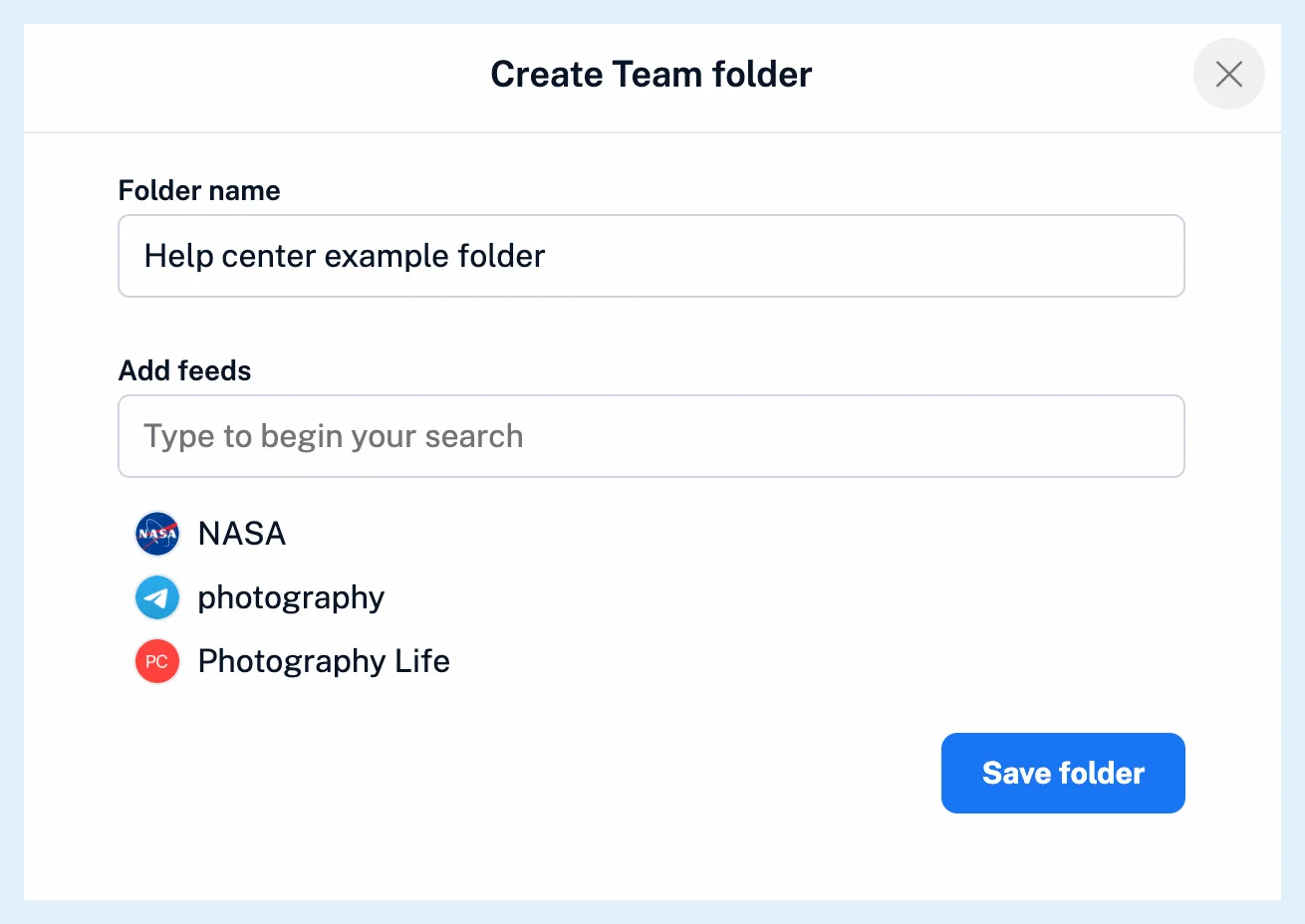
Your feeds lists every active feed you follow personally, whatever its type, and Not yet followed lists public feeds from Inoreader's feed search. Newsletter and monitoring feeds appear with their own icons, so you can tell them apart in the list.
There are two more ways in. A right-click on one of your personal folders offers Create Team folder, which turns it into a Team folder with all its feeds. And a feed you found through Add feed can go straight into a Team folder from its menu, where folders that already hold it carry a checkmark. Manage Team > Content > Feeds lists every feed in the Team's folders.
Share private feeds
Private feeds, such as newsletter feeds, saved web pages and feeds with a password, can be added only by an admin who follows or owns them. A newsletter feed in a Team folder keeps receiving email while its creator's newsletter stays enabled.
Only admins add or remove feeds in a Team folder. Members follow it and receive every change, as What are Team folders? explains.
Plans
Team folders are part of Teams on the Team and Team Intelligence plans, which pool Web feeds, monitoring feeds, newsletters, Telegram channels and social feeds into one limit for the whole Team. What is the difference between a Team folder and a Team channel? compares folders with the place for shared articles.
Can't find an answer? Contact support