Why can’t Inoreader find a feed for a website?
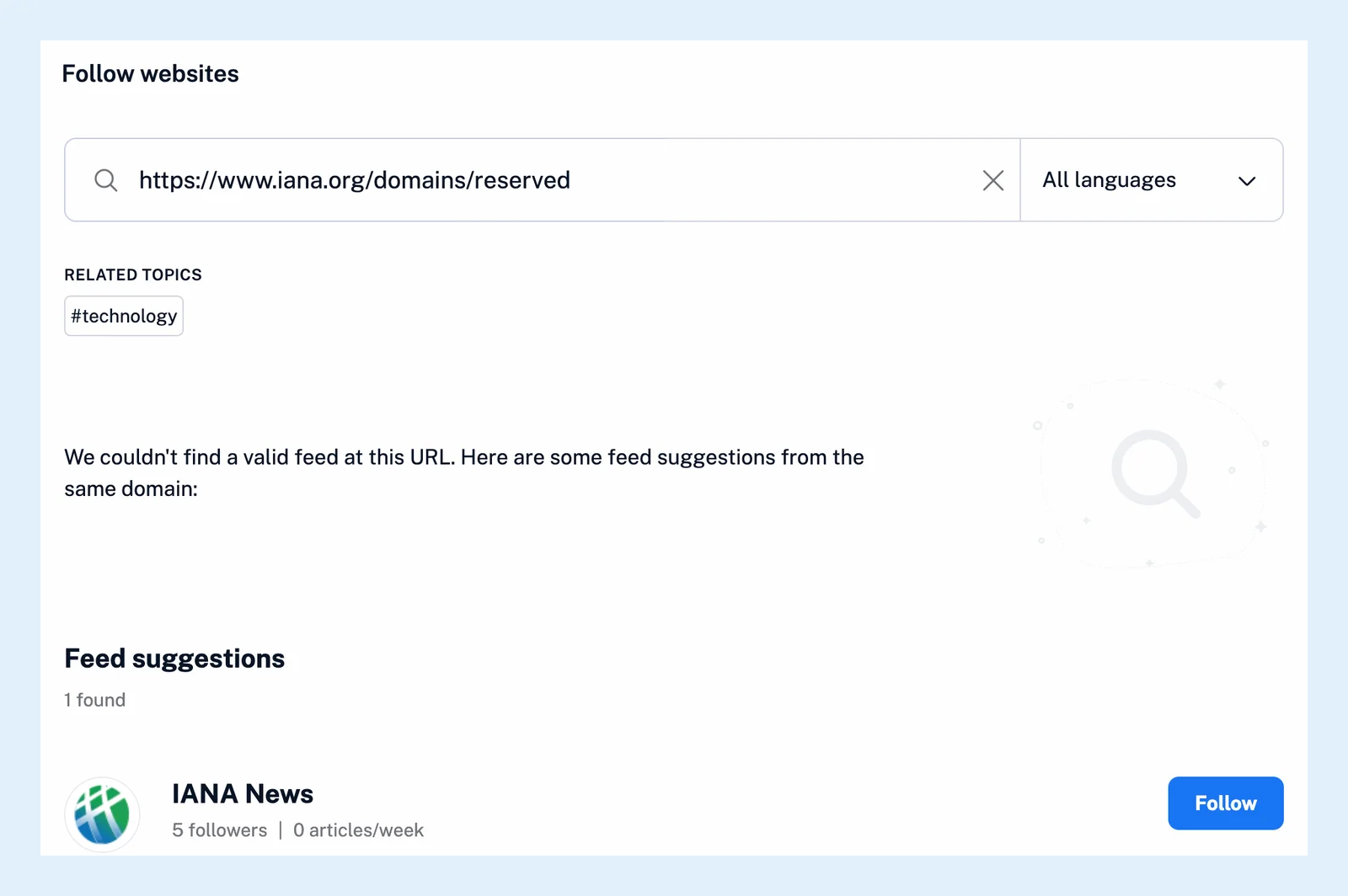
Inoreader usually can't find a feed because the address leads to a page that doesn't link to one, because the site publishes none, or because the site didn't answer. The search says so, and when it finds feeds elsewhere on the same site it offers them under Feed suggestions.
When you paste an address into the Website search, Inoreader reads the page for the feed links sites declare in their code and probes the addresses feeds usually have. See Find feeds to follow and how to add a feed.
Try another address or another search
- Paste the site's home page address rather than an article's address. The home page is where most sites declare their feed.
- Search for the site by name instead of its address. A site other readers follow appears with its followers and latest articles, and you follow it with Follow.
- Look for an RSS link or icon on the site itself and paste the feed's own address. The free RSS feed finder checks any address for feeds and shows you where they are.
- If the feed asks for a username and password, enter them in the Sign in form the search shows. Inoreader keeps them for its checks. See adding password-protected RSS feeds (Pro).
- For a YouTube channel, wait a little when the search shows YouTube feeds may be temporarily unavailable: YouTube's channel feeds stop answering for a few hours on most days, and Try again repeats the search.
A site with no feed at all
When there's nothing to follow, the search offers Create Web feed: you pick the list of items on the page, and Inoreader checks the page for new ones as if it were a feed. Track changes next to it watches the page for changes to its text or its look instead. See what web feeds are and what Track changes is. Both are Pro features. A Pro account can have 20 web feeds and track changes feeds together. A newsletter that comes only by email becomes a feed too, with a newsletter feed (Pro).
A site that didn't answer
The third reason is a temporary problem on the site's side: the feed exists, but its server didn't answer. Try the address again a little later.
If you're sure the site publishes a feed and none of this helps, send its address to the support team.
Can't find an answer? Contact support