Can I import feeds from another RSS reader?
Yes. Export your feeds from the other reader as an OPML file, then open Add feed > Import feeds in Inoreader and upload it. Your folders come with the file, and feeds you already follow aren't added twice.
Import an OPML file
- In your current reader, export your subscriptions as an OPML file. Most readers offer the download in their settings. In Inoreader the same export is under Preferences > Account > Export and backup > Download OPML file.
- Click Add feed in the tab bar and choose Import feeds.
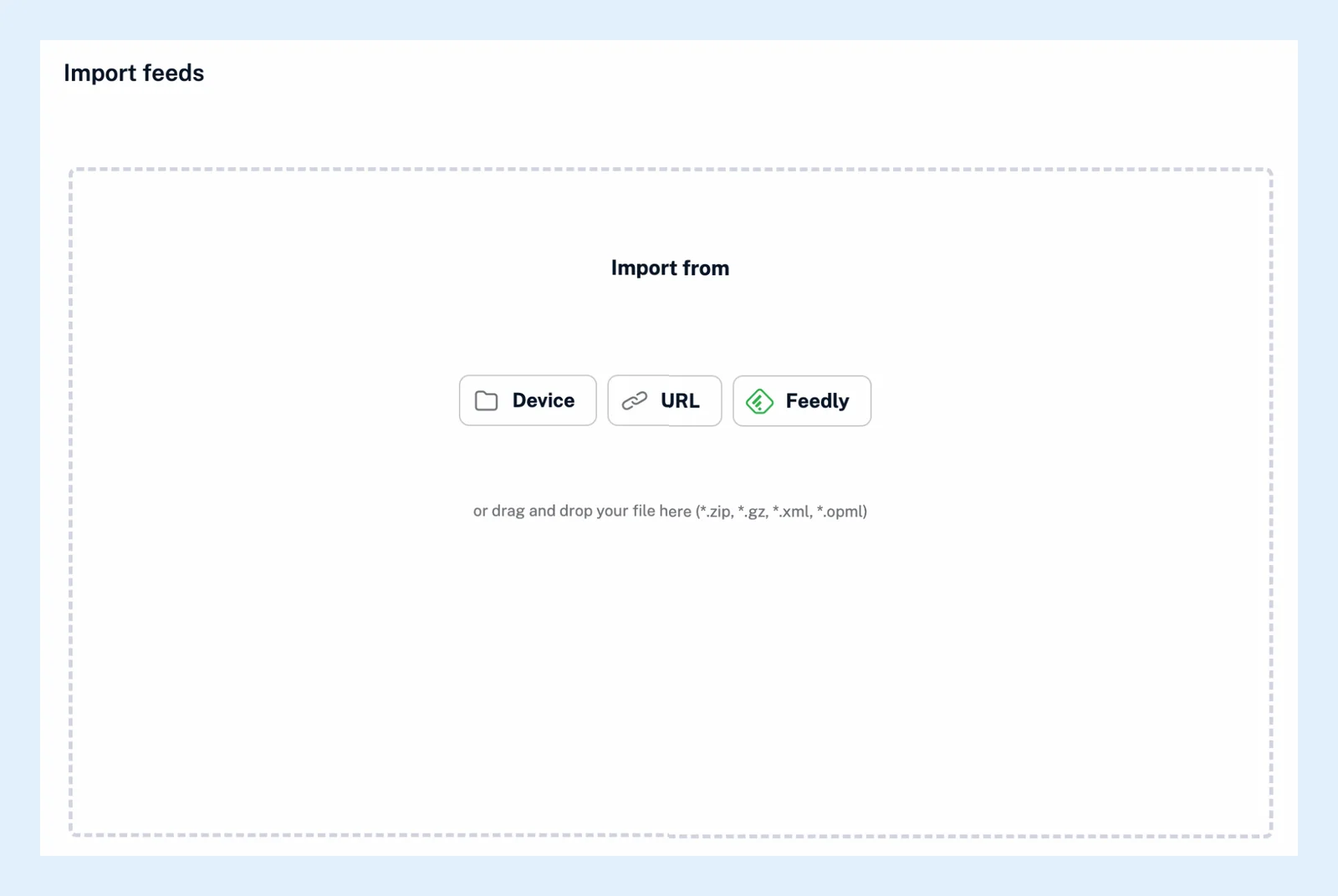
- Under Import from, choose Device and pick the file, or drag it onto the page. OPML, XML, GZ and ZIP files up to 10 MB work. For a file published online, choose URL and paste its address.
- Once the file is picked, you can put every feed into one folder instead of the folders in the file: tick Ignore the folder structure from my file. and choose or create the folder under Import all feeds in.
- Click Import file.
The imported feeds and folders
The import runs in the background. You can leave the page and get a notification when it's done. Each folder in the file becomes a folder in Inoreader or joins the one that already has that name. A folder nested inside another gets a joined name such as "News - Europe". A feed that's new to your account arrives with up to 20 of its latest articles unread, as when you add a feed by hand.
Import from Feedly
Choose Feedly under Import from and paste your Feedly developer access token, which Feedly issues to its paid plans. Inoreader then imports your feeds with their Feedly categories as folders, your saved articles into Read later and your tagged articles into tags of the same name.
More feeds than your plan allows
Free accounts follow up to 150 feeds and Pro up to 2,500. When a file holds more than you have room for, Inoreader shows File exceeds feed limit! with the numbers, and you can continue with a partial import that stops at the limit, remove feeds from the file, or upgrade. More is on Find feeds to follow.
Follow a feed list that keeps changing
When someone publishes a feed list as an OPML file and keeps changing it, follow the list instead: Automate > OPML subscriptions > New OPML subscription. Inoreader re-reads the file and follows the feeds added to it. With Full synchronization it also unfollows the ones removed.
Can't find an answer? Contact support