Why has a feed stopped updating?
Open the feed's properties first: they tell you whether the publisher has stopped posting, whether Inoreader's checks fail, or whether the articles are hidden from the view. Right-click the feed in the sidebar and choose Feed properties.
Read the feed properties
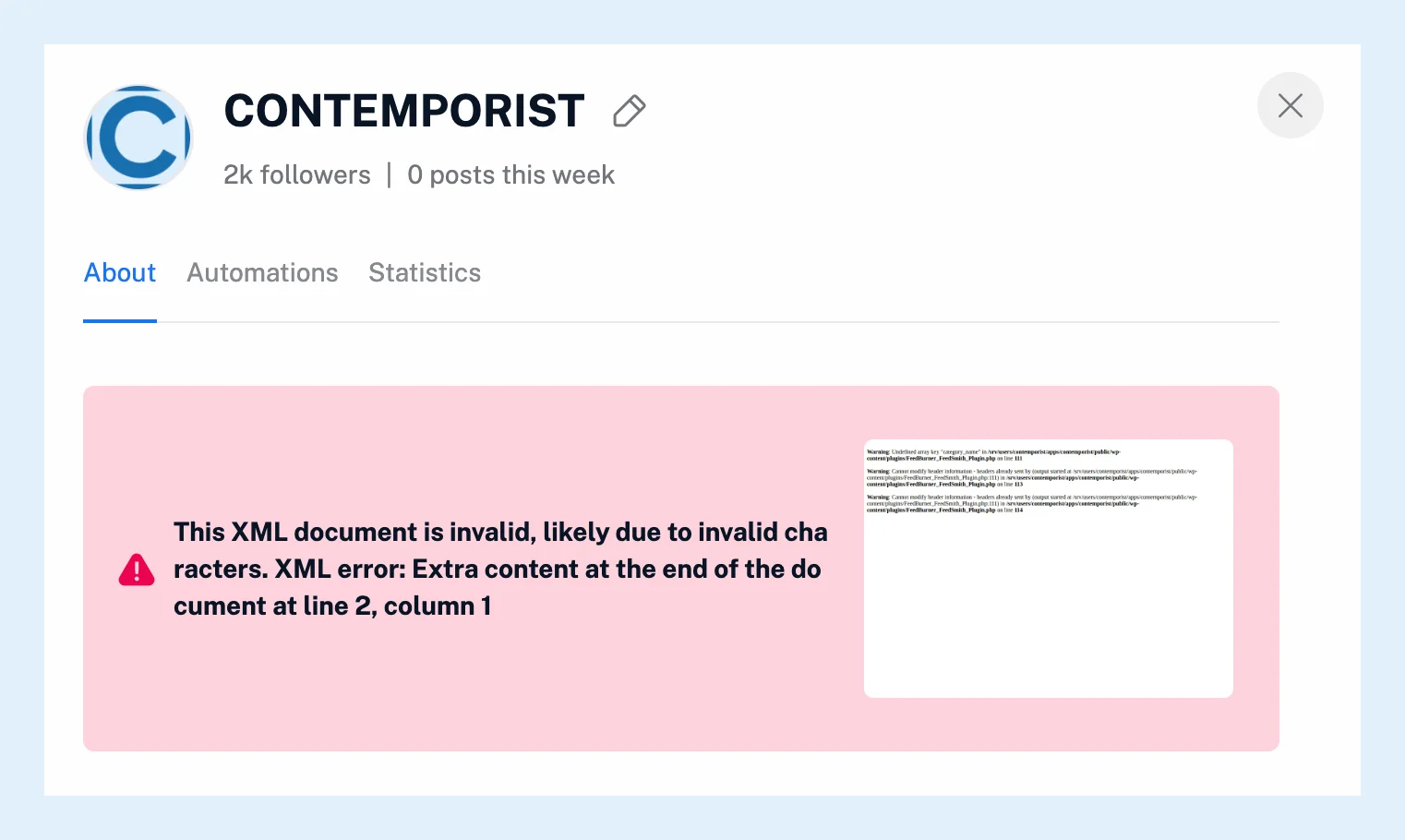
Last post is when the feed last published, and Last crawled is when Inoreader last checked it and how that went: Success, Success - Not Modified (304) when the feed answered that nothing changed, or Error. An error shows the server's message in a red box, usually with a snapshot of what Inoreader got instead of the feed. The icon next to it opens the feed log: the recent checks, their status and the new articles each found.
A quiet feed
The checks succeed, but the feed itself is quiet. Pressing R or clicking Refresh list above the article list checks it right away, and how often feeds are refreshed and what boosted feeds are explain the schedule.
Some sites update their pages without updating their feed, and Inoreader can only deliver what the feed contains: compare the feed's latest item with the site.
Failing checks
The site may have moved or removed its feed, be refusing automated readers, or be down. Inoreader keeps checking a failing feed, waiting twice as long after each failure, and the feed recovers on its own as soon as it answers again. When the publisher redirects the old address to the new feed, Inoreader follows the redirect by itself. Otherwise find the new feed address on the site, follow it and unfollow the old one. If the search finds nothing there, see why Inoreader can't find a feed for a website.
A feed marked Blocked was stopped by Inoreader because it posted far too many items or a different set on every check. Request unblock sends a message to the support team once the feed is fixed.
Hidden articles
The Unread tab hides what you've read, and an article stays unread for 30 days only. All articles shows older ones. A filter can remove articles before you see them. A Filters applied button at the top of the list says one is active on the feed. Feeds beyond your plan's limit are deactivated, and the sidebar says Some of your feeds have been deactivated!. Preferences > Content lists them under Deactivated, and its With issues filter lists every feed whose last check failed.
Can't find an answer? Contact support