What are newsletter feeds?
A newsletter feed is a feed in your account with its own email address at ino.to. Every email sent to that address, a newsletter issue or a message you forward, arrives as an article in the feed, next to your other feeds.
You create one under Add feed > Newsletter feed, where you name the feed and pick its address, 5 to 20 lowercase letters and digits before @ino.to. Then you subscribe to a newsletter with that address on the sender's site, or forward emails from your inbox to it. How do I subscribe to a newsletter with Inoreader? has the steps.
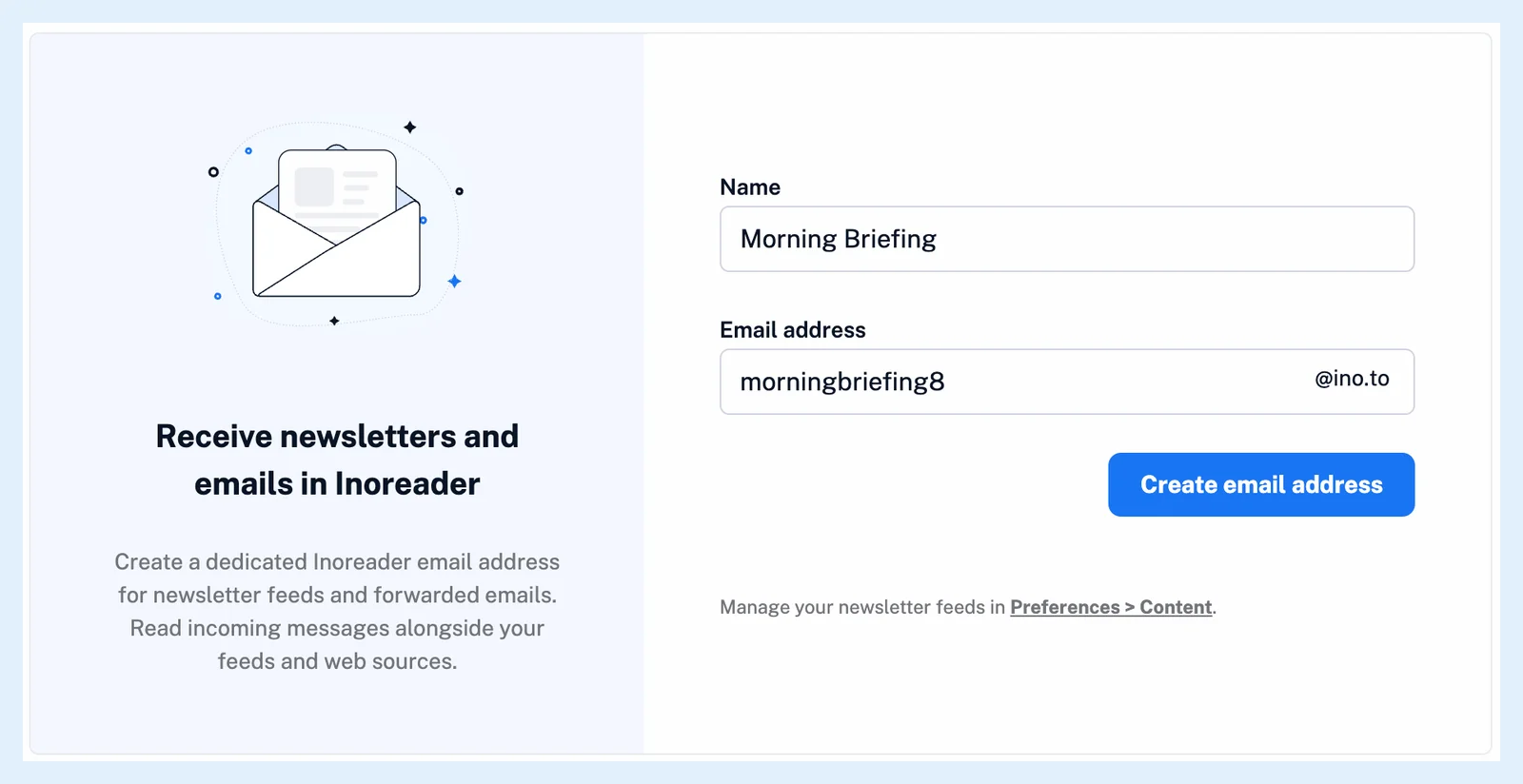
The emails in the feed
Any sender can mail the address. Each email becomes an article: the subject is its title, the sender's name and address its author, and the arrival time its date. Pictures embedded in the email are shown in place, and attachments in the common formats (pictures, PDF, Word, Excel, text, zip archives and calendar files) are kept with the email. An email over 2 MB isn't saved. Inoreader emails you that it was too large.
Right-click the feed and choose Feed properties to see its Email address with a Copy button, the Last email received and the Email senders who have mailed it.
Read newsletters like feeds
A newsletter feed sits in the sidebar and goes into folders like any feed, and you can tag and annotate its emails. Its menu has Create rule and Filter feed, so a rule can act on each email as it arrives and a filter can keep or remove emails by subject or sender. See Can I process newsletters with rules and filters? Mentions are extracted from newsletter emails as from articles.
Newsletter feeds are private to your account: they can't be added to a bundle, and your emails are never shown to other readers. All of them are listed in Preferences > Content under the type filter Newsletter feeds. What happens if I unfollow a newsletter feed? explains what becomes of the address and the emails.
Plans and limits
Newsletter feeds are a Pro feature: Pro includes 20, a Team with a shared pool shares 100 or 150 across the team, and custom plans can add more. The blog post A better way to keep up with newsletters shows how readers use them.
Can't find an answer? Contact support