How do I add a note to a highlight?
In the Annotations panel above the article, click Add note under the highlight, type the note and click Save. You can also click the highlight's marker in the margin and choose Add note there.
A note on a highlight explains why the passage matters, and it belongs to the highlight, so notes on highlights are a Pro feature like highlights themselves.
Add the note
- Open the article with the highlight.
- In the Annotations panel above the text, click Add note under the highlight, or click the pencil marker beside the highlight and choose Add note.
- Type the note and click Save.
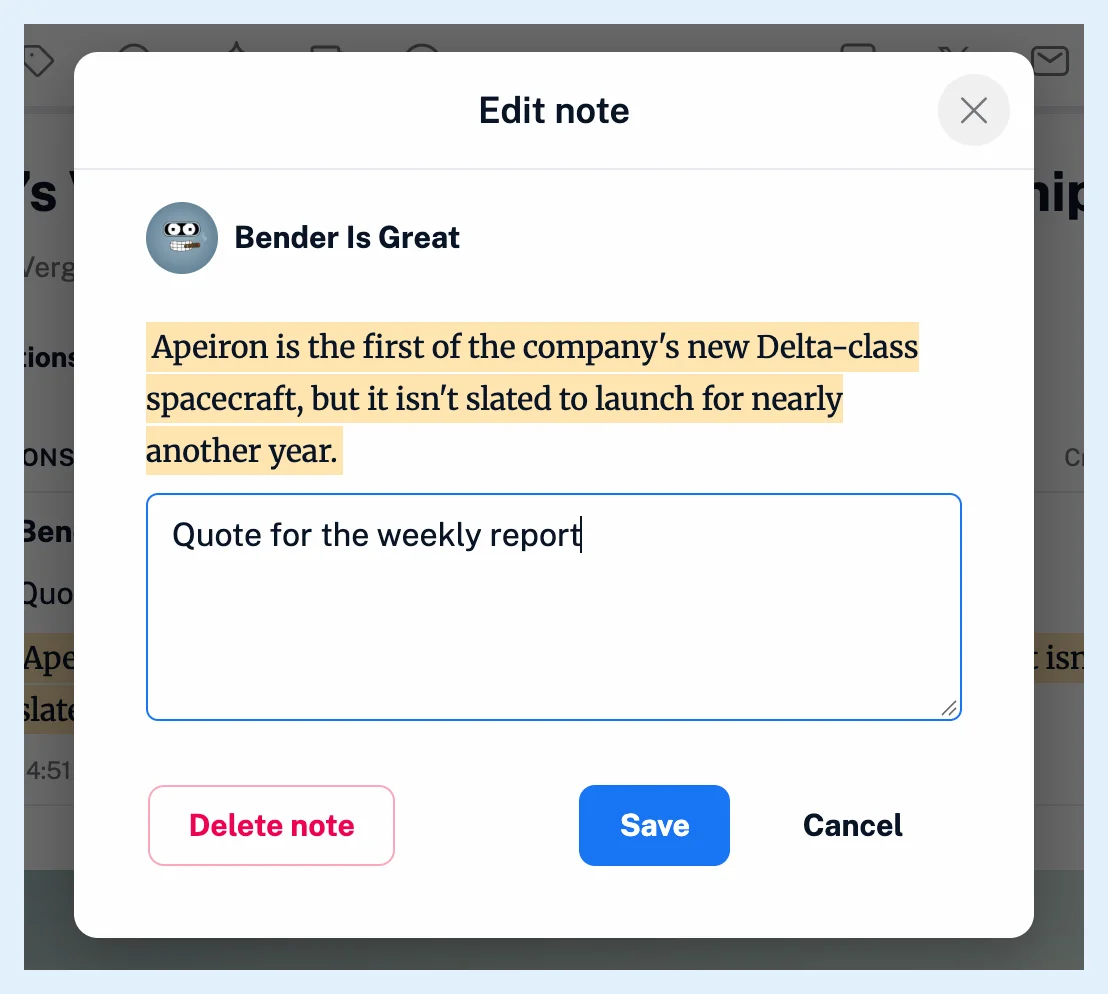
The dialog shows your picture and name and the highlighted passage above the text box, with Save and Cancel. Team members also see the checkbox Make visible to Team members, and Can I keep notes private? explains what it does.
To highlight and write the note in one step, select the text in the article and choose Add note in the selection menu instead of Highlight text. How do I create a highlight? describes the selection menu.
Change or remove the note
Each highlight holds one note. Click Edit in the panel, or the marker and Edit note, to change it, and saving replaces the previous text while the highlight itself stays. To remove the note, clear the text box and click Save, or use Delete note in the dialog. Deleting the highlight from the panel removes its note with it.
The note shows in the panel above the highlighted text and on the marker's card, with links in it clickable. It's searchable together with your copy of the article, and when Readwise is connected, the note is updated in Readwise too.
Selecting the highlighted text again opens the selection menu, whose Add note creates a second highlight. Add a note to an existing highlight from the panel or the marker.
A note on the whole article rather than on a passage works on every plan, as How do I add a note to an article? shows. Notes on highlights are part of the Annotations feature of Pro and higher plans.
Can't find an answer? Contact support