What should I do first in Inoreader?
Follow a few sources you already read, then read them together in the Newsfeed. Everything else in Inoreader builds on your feeds, so a handful of good ones is the best start.
Follow your first sources
- Click Add feed in the tab bar, or press A, choose Website and type the site's name or paste its address.
- Click Follow next to the result you want, and repeat for the sites, blogs, YouTube channels and podcasts you read today. See how to add a feed and Find the sources worth following.
- If you're moving from another reader, choose Import feeds on the Add new page instead and upload the OPML file you exported there. Your folders come with it, as importing feeds from another RSS reader explains.
The video walks through the same steps.
Read the Newsfeed
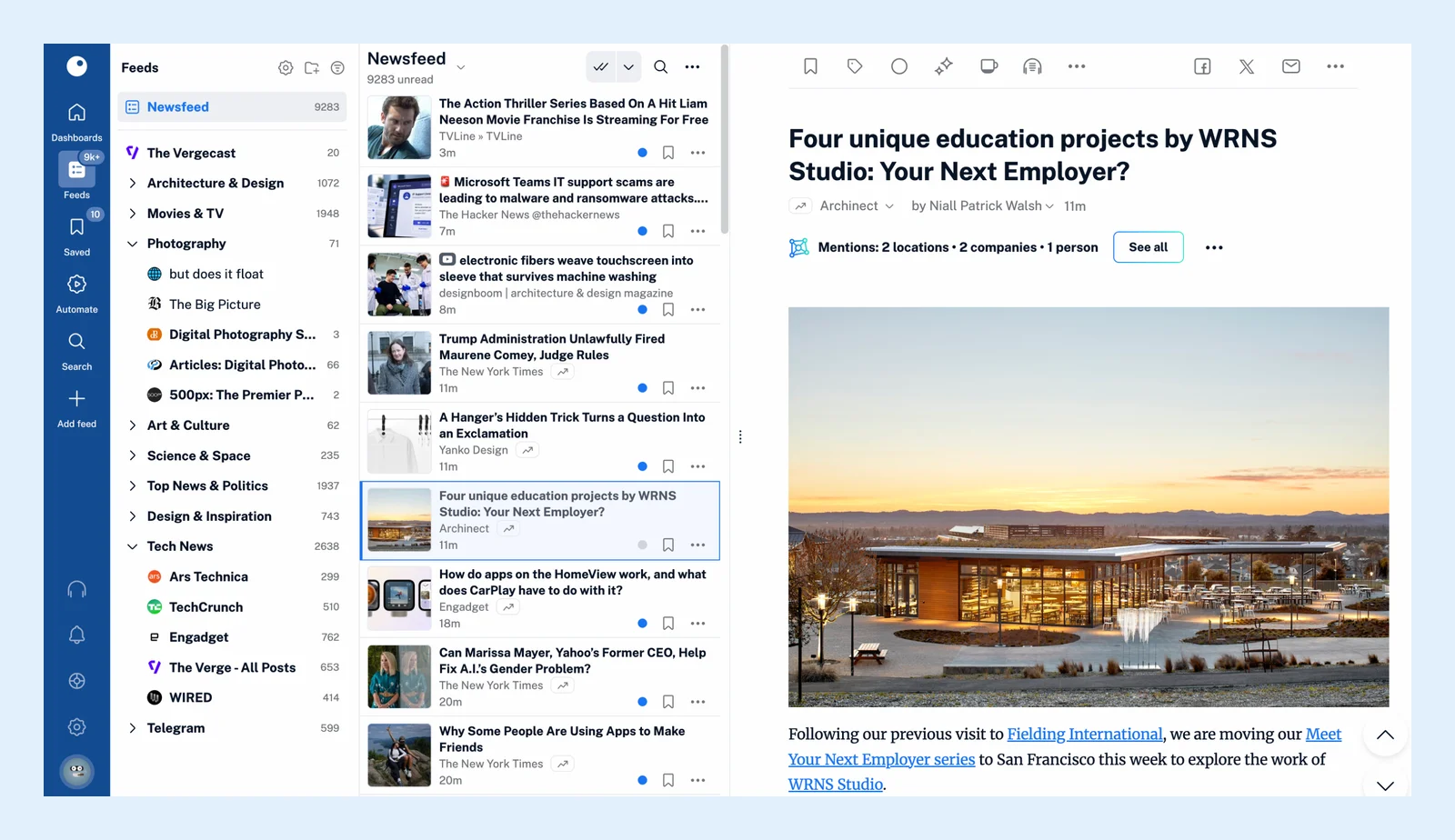
- Open Feeds > Newsfeed to read the articles of all your feeds together, or click one feed in the sidebar to read it on its own.
- Click an article to open it, press J and K to move to the next and the previous one, and press M to mark one as read or unread.
- Pick a layout from the Layout menu in the header: List, Expanded, Column, Card or Magazine.
Organize as you grow
Once you follow more than a dozen feeds, group them: click Create folder at the top of the Feeds sidebar and put related feeds in it, as how to create a folder shows, then read the folder as one list. Save an article you want to come back to with Read later (F), described in how to save an article for later, and give it a tag with Add tags (T) when you want to find it by subject later.
Take it with you
Open Support > Mobile apps to get the iPhone, iPad and Android apps, and Support > Extensions for the browser extension, which follows the site you're on and saves pages to Inoreader. Your feeds and reading progress stay in sync between them.
All of this works on the free plan, which follows up to 150 feeds. Pro raises the limit to 2,500 and adds source types such as newsletters and web feeds.
Can't find an answer? Contact support