What is the sidebar used for?
The sidebar is the column between the tab bar and the reading panel, and it lists whatever belongs to the tab you picked: your feeds under Feeds, your tags under Saved, the settings pages under Preferences. Clicking an item opens it in the reading panel.
It sits between the two other areas of the interface, and the icon you pick in the tab bar decides which list it shows.
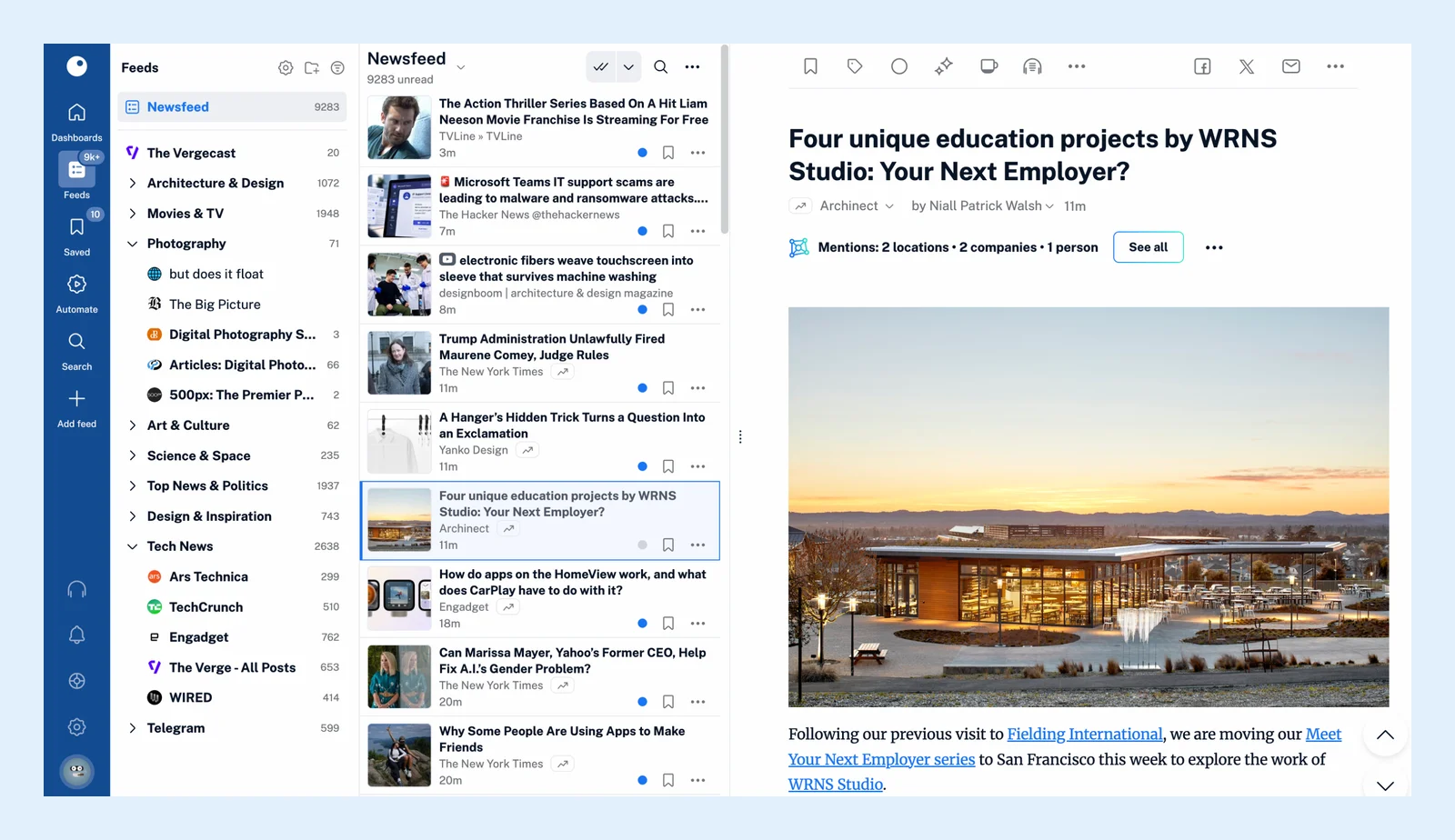
The Feeds sidebar
The top of the sidebar holds Newsfeed, the articles of all your feeds together, and Today. Below come your folders and feeds with their unread counts. Click a folder to read everything in it, or expand it and pick one feed. The icons next to the Feeds heading open Create folder and Manage content, the Preferences page where you edit feeds, folders and tags, and a toggle switches the list between all items and only the ones with unread articles. The video shows the folders at work.
The sidebars of the other tabs
- Saved lists Read later with its count, Archive, Annotations, Web pages, Uploads and Intelligence reports, then your tags with a New tag button and Manage tags. See What is the Saved section?
- Automate lists Rules, Filters, Spotlights, Email digests, OPML subscriptions and Automated reports, each with a line that says what it does.
- Add feed lists the Add new source types, from Website to Podcast, and Import feeds for an OPML file.
- Preferences has a search box for settings and the sections Account, Billing and usage, Settings, Content, Share, save, login, Developer API and Intelligence.
- Team, on Team plans, has a sidebar of its own with the resources your team shares.
The Support, Notifications and Audio player panels and your account panel open over the sidebar instead of replacing it. Dashboards and Search have no sidebar, so the reading panel uses the full width there.
Resize and pin the sidebar
Drag the sidebar's right edge to resize it. Press D, or click the arrow at the bottom of the tab bar, to unpin the sidebar so that it slides away while you read. The same key or arrow pins it back. On a phone the sidebar opens from the menu button and closes when you pick an item.
Can't find an answer? Contact support