Can I search within a specific feed or folder?
Yes. Open the feed or folder, type your words into the search box above its article list and press Enter. The results replace the list and are limited to that feed or folder.
Search in the open feed or folder
- Open the feed or folder in the sidebar.
- Click the search box at the top of the article list. In layouts that hide the box, click the magnifier icon in the header instead.
- Type your words and press Enter.
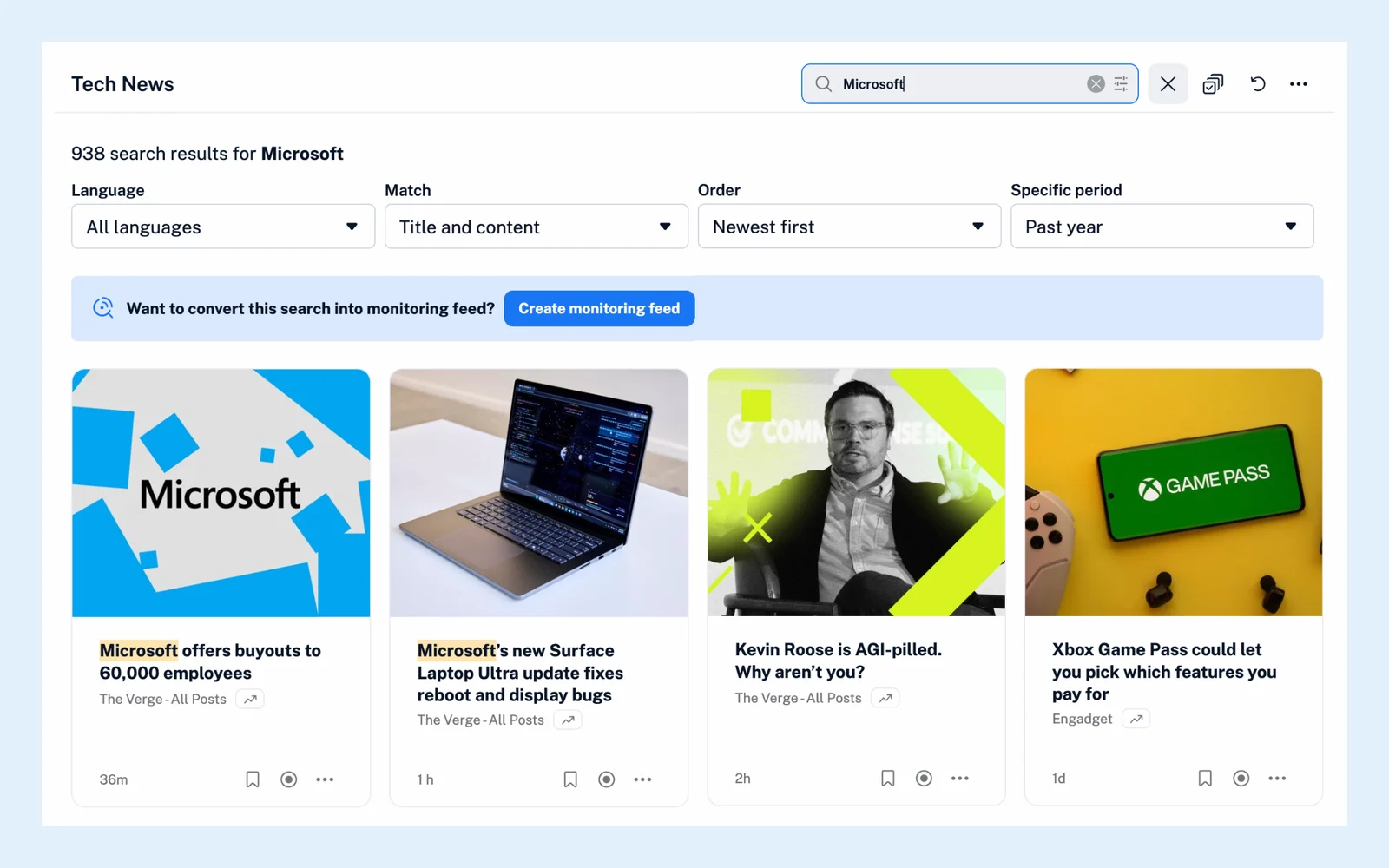
The line above the results tells you how many articles matched. To go back to the article list, clear the box with the X in it or click the icon in the header again.
Filter the results
Once the results are on screen, the row above them narrows them down: Language, Match (titles, content or both), Order and Specific period. The icon at the right end of the search box opens the query builder, which helps you combine words and phrases with AND, OR and NOT. Each filter is described in Can I filter search results?
The search looks back one year, so choose All time under Specific period to find older articles.
The Search page
Click Search in the tab bar and, under Search in, pick the feed or folder from the Feeds or Folders list. The Search page also lets you search one tag, one monitoring feed, your Read later list or your annotations, and on Team plans, Team folders and channels are in the list too. How do I search for articles in Inoreader? walks through that page.
Search coverage
Inoreader finds any article it collected from the feed, whether you've read it or not. Articles published before the feed was first added to Inoreader were never collected, so they can't be found. If a search comes back empty, see Why does my search return no results?
Plans
Searching inside your own feeds and folders works on every plan. The language filter is a Pro feature. The Search page describes the feature as a whole.
Can't find an answer? Contact support